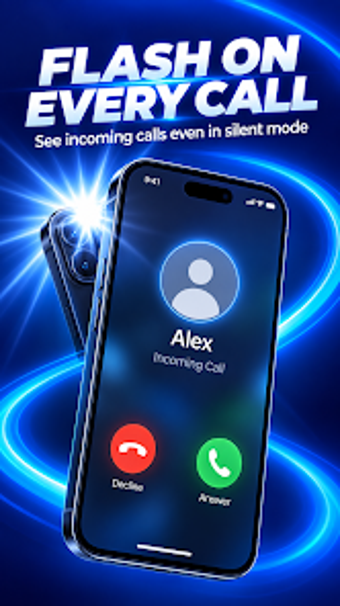
Configurable LED flash alerts for silent and noisy environments
Turn your camera LED into configurable visual alerts for calls, messages, and app notifications. FlashAlerts, from Speed Move Apps, runs on Android devices and converts the rear or front flash into a notification channel. The app offers per-app control, adjustable blink speed, Do Not Disturb scheduling, and a battery-saving cutoff. It fits users who keep phones silent, need accessibility aids, or work where sound-based alerts are impractical.How configurable are the flash notifications?
The app exposes granular controls: you can select which installed apps trigger the LED, set distinct blink speed and frequency patterns, and adjust the number of flashes for calls and messages. The settings present per-app filtering and global rules, so you can isolate critical alerts while ignoring less important ones. This level of control supports varied use cases, from accessibility needs to professional environments where selective visual cues matter.
Does it affect device battery or operation?
Battery impact is managed through a dedicated battery-saving mode that disables flash alerts when the device battery falls below a threshold. The app also offers a Do Not Disturb schedule to prevent night-time flashing. In addition, smart screen detection prevents flashing while the screen is active, which avoids unnecessary LED use during regular phone sessions. These measures limit unintended battery drain and reduce unwanted interruptions.
Is it safe and non-intrusive to use daily?
The app operates without writing to unrelated system areas and relies on camera LED control for notifications, which keeps its interaction surface narrow. Smart screen detection reduces distraction while the device is in use, and the battery cutoff prevents alerts when power is low. Users who need predictable, read-only style notification behavior get an app that confines activity to the flash hardware rather than altering deeper system settings.
Does it require technical knowledge to operate correctly?
Configuration is presented in plain options, with toggle selections for per-app permissions, blink rate sliders, and schedule pickers; no command-line steps are necessary. Quick-access flashlight mode offers a straightforward torch function alongside alert settings. Casual users can set defaults and leave the app running, while those wanting finer control can adjust patterns and app-level permissions without advanced technical skill.
Practical pick for silent-notification and accessibility needs, with a hardware limit
The app suits anyone who needs visible alerts instead of sound, providing detailed alert control and battery protections while staying simple to set up. One clear caveat: it depends on a device camera LED, so phones without a flash cannot use the notification features. For users with a compatible device, it serves as a reliable visual-notification tool with sensible safeguards.